Apps & tracking
AI Calorie Counters: How Photo Calorie Tracking Works (and How Accurate It Is)
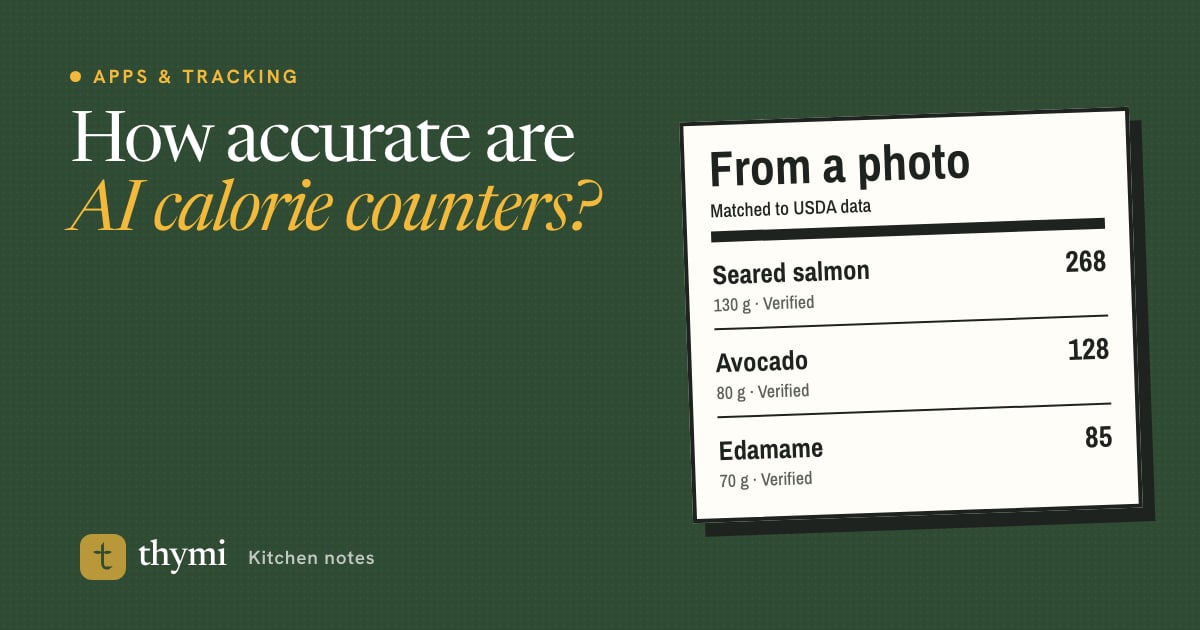
An AI calorie counter identifies the foods in your photo, estimates how much of each is on the plate, then looks up the nutrients for those amounts. It is fast and works well for simple, clearly visible meals, but it can miss hidden oils and sauces, misjudge portion depth and struggle with mixed dishes. Treat its numbers as a good first estimate that you check and correct, not as a lab measurement.
What an AI calorie counter actually does
A photo calorie tracker turns a picture of your meal into a food log. Instead of searching a database for "grilled chicken breast" and guessing a weight, you take one photo and get a list of items, an estimated amount for each, and a calorie and macro total.
That convenience is the whole point. Manual logging is accurate when done carefully, but it is slow, and slow logging is the main reason people stop tracking. If you are new to this, our beginner's guide to counting calories explains why consistency usually matters more than perfection.
The catch is that a camera sees the surface of a meal. It cannot taste the butter in your mashed potatoes or weigh the rice under your curry. Knowing how the process works makes it much easier to know when to trust it and when to step in.
How photo calorie tracking works, step by step
Almost every calorie counter by picture follows the same three steps, even if the details differ.
1. Food recognition
An image model looks at the photo and names what it sees: "fried egg", "sourdough toast", "avocado slices". Modern models are good at common, distinct foods. They are less sure when foods are blended, covered or cut in unusual ways.
2. Portion estimation
Next, the model estimates how much of each food is there. It uses visual cues such as the size of the plate, the area each food covers and familiar objects like forks or cups. This is the hardest step, because a single photo is flat: it shows width and length well but height and density poorly.
3. Nutrient lookup
Finally, each item and amount is matched to nutrition data. Better apps match against a reference database, such as the USDA's FoodData Central, rather than letting the AI make up numbers. The calories you see are only as good as both the identification and the amount: a perfect lookup of the wrong portion still gives the wrong answer.
Good to know: Errors stack. If the model names the food correctly but misjudges the portion by a third, the calories will be off by roughly a third too, no matter how good the database is.
Where photo tracking does well
AI photo logging shines when what you see is what you eat. It tends to do well with:
- Single, whole foods such as a banana, an apple or a boiled egg, where the item is obvious and sizes are fairly standard.
- Plated meals with separate components, like chicken, rice and broccoli sitting side by side rather than mixed together.
- Common dishes the model has seen many times, such as a slice of pizza, a bowl of porridge or a sandwich.
- Speed and memory. A photo taken before you eat captures a meal you might otherwise forget to log, which is often a bigger source of error than any estimate.
For many everyday meals, a quick photo plus a glance at the result gets you a usable log in seconds.
Where it struggles (and why)
These are the situations where any AI calorie counter needs your help. None of them are unique to one app; they come from what a camera can and cannot see.
Hidden oils, butter and sauces
Cooking fat is often the biggest blind spot. One tablespoon (15 ml) of olive oil is approximately 120 kcal, and it can disappear completely into roasted vegetables or a stir-fry. Creamy dressings, butter on toast and sauces under the food add calories the photo may not reveal.
Mixed dishes
Curries, stews, casseroles, burritos and pasta bakes hide their ingredients. A model can recognise "chicken curry" but cannot see whether it was made with cream or yoghurt, or how much oil went in. Two bowls with the same name can differ by hundreds of calories depending on the recipe.
Portion depth and density
A photo taken from above cannot tell a shallow layer of rice from a deep bowl. Packed foods (pressed rice, granola, nut butter) carry more calories per spoonful than they appear to. Deep bowls and tall glasses are especially tricky.
Look-alike foods
Some foods look almost identical but differ a lot nutritionally: whole milk and skim milk, regular and diet soda, full-fat and fat-free yoghurt, white rice and cauliflower rice. Only you know which one is in the glass or bowl.
Restaurant and packaged food
Restaurant portions and recipes vary widely, and packaged foods already have exact numbers printed on them. In both cases a photo of the plate is rarely the best source. See how to track calories when eating out for practical workarounds.
Quick guide: how to log different meals
Use this as a rule of thumb for when a photo is enough and when to add a sentence of context.
| Meal type | Photo alone | What to add |
|---|---|---|
| Whole fruit, boiled eggs, plain snacks | Usually fine | Count if there are several |
| Plated meal with separate foods | Good start | Cooking oil or butter used |
| Salad | Often misses dressing | Type and amount of dressing, cheese, nuts |
| Curry, stew, pasta bake | Rough estimate | Main ingredients, cream or oil, bowl size |
| Drinks and smoothies | Hard to judge | Milk type, sugar, size in ml or oz |
| Packaged food | Not the best tool | Scan the barcode or label instead |
How to get better results from a photo calorie tracker
Small habits make a big difference to what the model can see.
- Use good light. Daylight or a bright room helps the model tell foods apart. Dim restaurant lighting and heavy shadows hide detail.
- Get the whole plate in frame. Cropped edges mean missing food. Include the full plate or bowl and any sides.
- Shoot at a slight angle. A 45-degree angle shows some height, which helps with depth. For flat plates, straight down also works.
- Include a reference object. A fork, a standard can or your hand next to the plate gives the model a sense of scale.
- Photograph before you eat. A half-eaten plate is much harder to judge, and you are less likely to forget.
- Separate foods when it is easy. If you are serving yourself, putting items side by side rather than piled up helps recognition.
- Add a line of text. "Cooked in 1 tbsp olive oil", "whole milk", "large bowl": one short note fixes most of the blind spots above.
Tip: Practise judging amounts yourself too. Our guide to estimating portion sizes without a scale helps you spot when an AI estimate looks too small or too large.
So, how accurate are calorie counting apps?
There is no honest single number. Accuracy depends on the meal, the photo, the database and how much you correct. A clear photo of a banana and a photo of a dim, saucy restaurant curry are very different tasks.
It also helps to compare photo tracking with the realistic alternative, not with a laboratory. Most people do not weigh every ingredient. They eyeball portions, pick a database entry that looks close, and sometimes forget a snack. Every method has error; what matters is whether your log is close enough and consistent enough to guide decisions.
A few principles keep you on track:
- Consistency beats precision. If you log the same way every day, your trend over weeks is more useful than any single meal's number.
- Check the big items. Spend your attention on calorie-dense foods (oils, nuts, cheese, sauces, desserts, drinks). Being a little off on broccoli barely matters.
- Let results guide you. If your weight trend over several weeks does not match what your log predicts, your estimates may be running low or high. Adjust your habits rather than blaming yourself.
How Thymi handles the weak spots
Thymi is an iPhone calorie tracker built around the idea that an AI estimate should be easy to check and easy to fix. Here is how it approaches the problems above.
- Estimates matched to real data. When you log by photo or by typing a description like "two eggs on toast", the AI identifies the foods and amounts, and Thymi matches them against USDA FoodData Central (13,500+ foods) and, for packaged products, Open Food Facts.
- Verified vs Estimated labels. Each item is marked Verified when it matches reference data, or Estimated when it does not, so you know which numbers deserve a second look.
- "Fix it" in plain words. If the AI gets something wrong, you type the correction, such as "it was 2 eggs, not 3" or "add a tablespoon of butter", rather than starting over.
- Other ways to log. For packaged food you can scan the barcode or photograph the nutrition label, and you can always search or log manually.
- Clear consent. Before your first AI log, Thymi asks for consent and explains that the photo or description is sent to its AI provider (OpenAI). Your name and email are never sent.
None of this makes photo tracking perfect. It makes the uncertain parts visible, so you can spend ten seconds correcting the one item that matters.
When to use another logging method
Photo logging is one tool, not the only one. Switch methods when another is clearly more reliable:
- Packaged foods: scan the barcode or use the nutrition label. Our guide on how to read a nutrition facts label shows how to adjust for the amount you actually ate.
- Foods you eat every day: weigh them once, save the entry, and reuse it.
- Home recipes: log the ingredients once for the whole pot, then divide by portions.
- Calorie-dense extras: measure oil, nut butter and dressings with a spoon at least until your eye is calibrated.
If you are still deciding which app suits you, our guide on how to choose a calorie tracker app walks through the features worth checking.
Frequently asked questions
Are AI calorie counters accurate?
They can be reasonably accurate for simple, clearly visible meals, but they are estimates. They tend to miss hidden oils, sauces and dressings, and can misjudge portion depth in bowls. Checking calorie-dense items and adding a short note about cooking fat makes a big difference.
How does a photo calorie tracker work?
It identifies the foods in your photo, estimates the amount of each from visual cues such as plate size, then looks up nutrients for those amounts in a food database. Errors at any step carry through to the final calorie number.
Can AI count calories from a picture of a mixed dish?
It can give a rough estimate for dishes like curries, stews and casseroles, but it cannot see the ingredients inside. Adding the main ingredients, whether cream or oil was used, and the bowl size helps a lot.
Is photo tracking better than weighing food?
Weighing with a scale is more precise for individual foods. Photo tracking is faster, which makes it easier to log consistently. Many people use photos for everyday meals and a scale or barcode for foods they eat often or that are calorie-dense.
How can I make my food photos more accurate?
Use good light, fit the whole plate in frame, shoot at a slight angle, include a fork or your hand for scale, photograph before you eat, and add a line of text about oils, sauces or milk type.
This article is general information for healthy adults, not medical or nutritional advice. Talk to a doctor or registered dietitian before changing how you eat, especially if you are pregnant or breastfeeding, have or have had an eating disorder, have a medical condition, or take medication.